We’re excited to announce a payments integration you’ve been clamoring for: Splitwise and Venmo. As of today, iPhone users in the US will be able to directly settle up Splitwise debts using Venmo, as well as cash or PayPal.
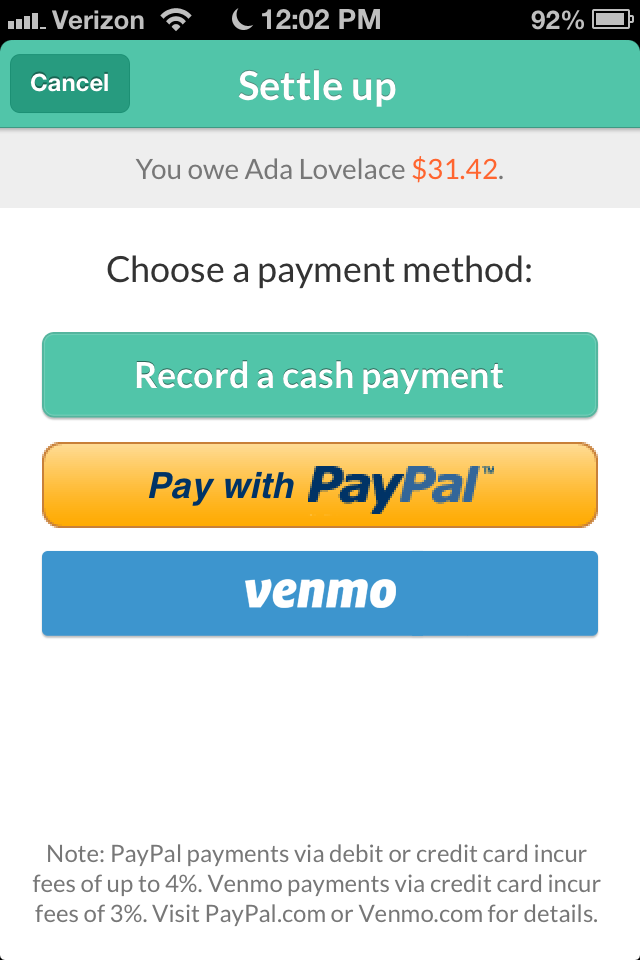
New settle up screen
Our goal has always been to include great, diverse payment options within Splitwise. Venmo was popularly requested in our user-fueled suggestion forums, and the folks at Venmo have provided a great new API and iPhone SDK to open their platform to us; it only seemed natural to use these developments as impetus to execute the often-requested integration.
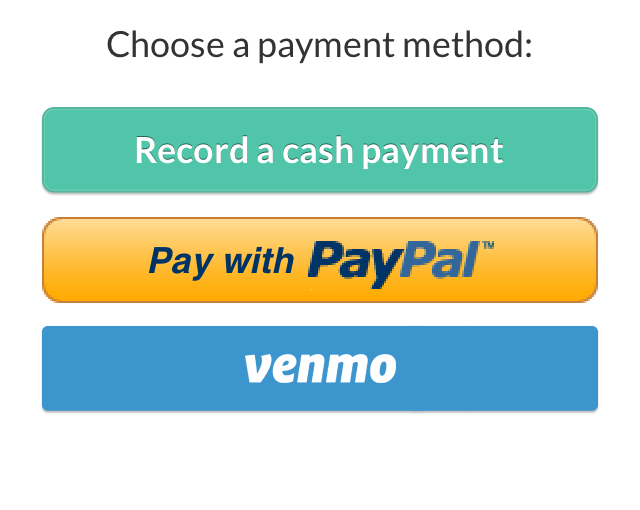
Using Venmo within the Splitwise app works the same way as using Paypal. When you hit ‘Settle Up’, Venmo will be an option, joining the ‘Record a cash payment’ and ‘Pay with PayPal’ buttons.
It already feels pretty freaking great to pay your friends back, and Splitwise has just added a web feature that makes settling up even more satisfying.
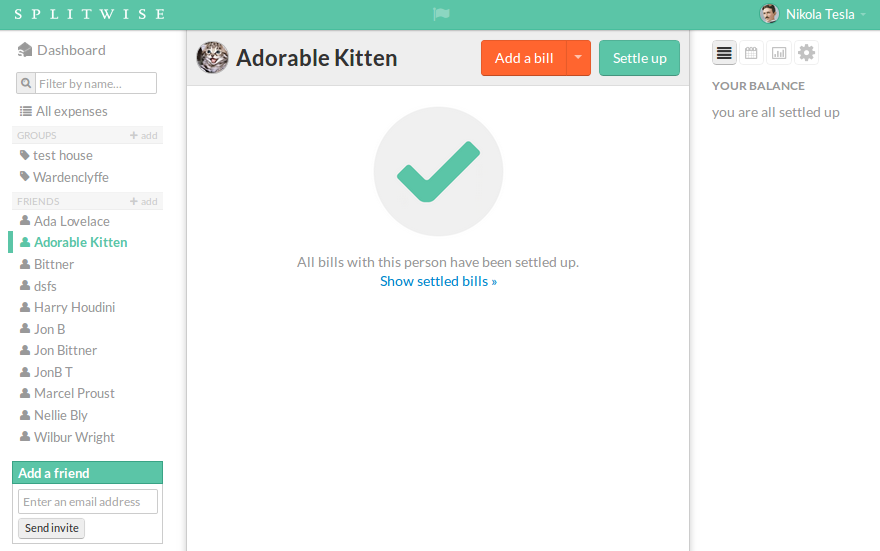
Now, when you’re completely settled up in a friendship, the page will display a fat green check mark instead of a past expenses sheet. All your old expenses are just a click away, but now they won’t crowd your screen- you’ll just see a beautiful check mark that quickly, clearly tells you you’re all settled up in that particular friendship.
When you add new expenses with that friend, the check mark will go away and the expense list generated will only show expenses added since the last settle up happened (ie. just the expenses that affect your current balance with that friend). We know that’s how you think about your outstanding balances with friends, and we’re excited to bring you this more intuitive and streamlined way of viewing expenses.
Not only is this a sweet new feature that we hope you’ll love- it’s a reflection of our fundamental beliefs that sharing money with friends is awesome, and paying them back should be both easy and delightful. We hope you see that big green check mark and shout ‘wahoo’- you’re all settled up, and that’s really cool.
As always, please let us know what you think of the new feature. And please do note that it’s only available on web right now.
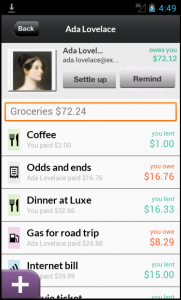
You’ve been very patient as we’ve toiled to bring our Android app up to speed with the iPhone app in features and stability.
So, we’re incredibly excited to announce the release of a new version of the Splitwise for Android app. Most of the changes in this version are under the covers – the app is much faster and less buggy now. Admittedly it still looks like a copy of the iPhone app, but we’re going to work to change that over the next few months. This release is just the start of our path towards Android excellence, and we couldn’t be happier about showing you Droid users some love. Read more about the tip of the iceberg below the fold! Continue reading Splitwise Android 2.5: Halfway to Awesome Town
Plates by Splitwise: Dinner bill splitting for iPhone
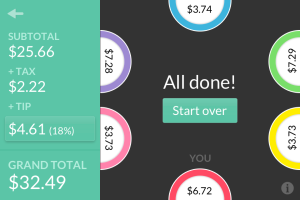
We are excited to announce the launch of Plates by Splitwise. Plates is a beautiful, lightning-fast, free iPhone app that calculates who owes what after a group lunch or dinner.
The question of how to split a restaurant check has haunted society for generations. How many drinks did you have? Who shared those nachos? How much do I owe? Some people will want to pay for solely what they ate and drank, while others just want to split the bill equally to avoid talking about money and wrestling with mental math.
“Building on Splitwise is fun,” says Clay Clipart, a fake developer at Google Image Search.
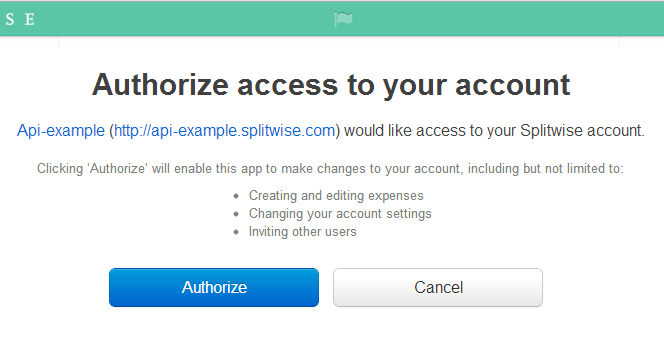
We’ve always hoped to give people the power to build new experiences on top of Splitwise, and we’re proud to announce today that we are releasing our first public API.
If you are the creator of a website or web application yourself, you might want to install the rack-preview gem for Ruby, or something similar. We discovered Safari Top Sites was polluting Splitwise’s Google Analytics and Mixpanel data.
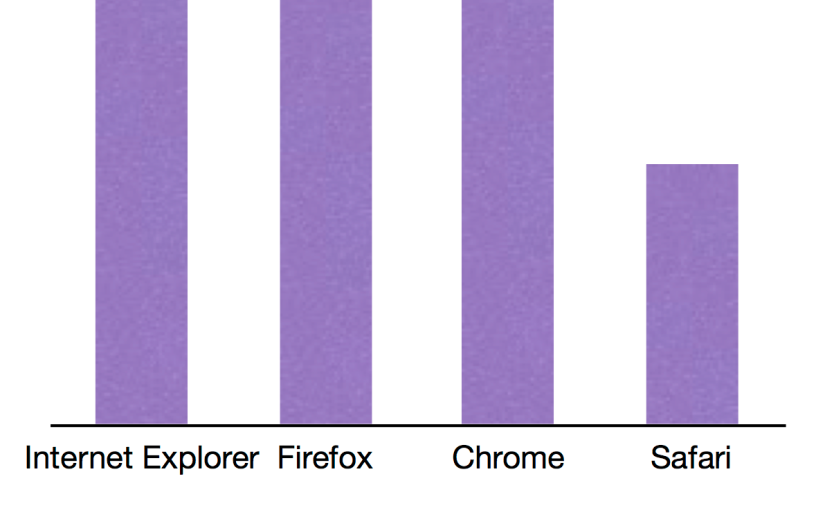
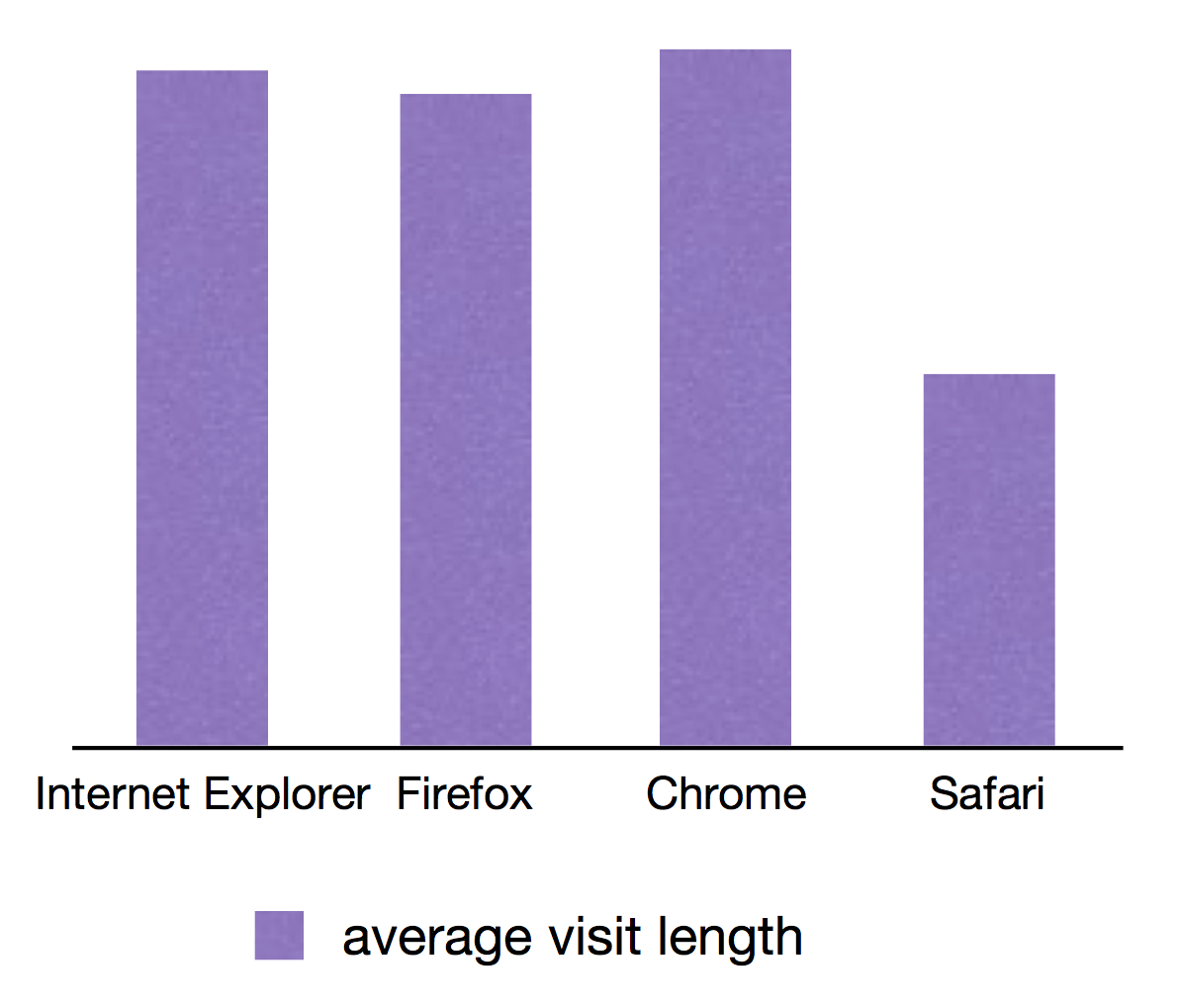
A couple of weeks ago, while digging into our site analytics, we noticed something strange with Safari. We’d just launched Fat Rabbit and were really interested in making sure we measured all the useful statistics around user growth and engagement. As we pulled out interesting details about website visits (using a combination of Google Analytics and Mixpanel), we started seeing an odd pattern – the average visit length on Safari was half that of our other browsers and the bounce rate was much higher.
It’s my great pleasure to announce version 3 of Splitwise for iPhone and web, which Marshall has memorably code-named “Fat Rabbit.” This is a major new relaunch, which changes our look and feel and adds popularly requested features like expense search, offline mode, bill editing, and push notifications. Perhaps most notably, we’ve entered the world of “mobile payments” with iPhone payments via PayPal.
We have decided to relaunch Splitwise today, in spite of yesterday’s bombing of the Boston Marathon. We are deeply upset by the attack, and many dear friends of Splitwise were near the scene of the bombing or experienced a near miss. Our thoughts are out to anyone affected by the tragedy. In light of everything, we believe that the most ethical thing for Splitwise to do is to go ahead with business as usual.
After two long years of trying to figure out how to make money, Splitwise has finally settled on a sustainable business model that will enhance the user experience of our website and keep ourselves profitable into the future.
Charging money for payments? Lame. Advertisements? Meh. Premium features? What premium features?
To Splitwise fans using Windows Phone 7.5 or 8, the last few weeks have been really exciting. Personally, I got so excited I purchased a Lumia 620 off of eBay just so I could keep up with these two new 3rd party releases. It won’t be my primary phone, but the Metro UI is very nice.
A few days ago, Centwise (created by Kamran Ayub) released its first version for both Windows Phone 7.5 and Windows Phone 8, making it the first third party app for long-time Windows Phone 7 fans! It’s a full featured app, with group support, simple IOUs, and lots of bells and whistles. Kamran is charging $1.29 to support his efforts, but it does have a free trial and a couple unique features I really like – including the sweet calculator-within-the-add bill flow pictured at right. Check out the full Centwise feature set here.
Miron adds groups to Splittr – with pics!
Miron has been keeping the awesome updates coming at free Splittr. The 1.1 release, which hit the app store yesterday, adds totally full-featured group support, so you can see all the expenses associated with a group, group balances, and repayment instructions. One neat idea is the ability to directly pin a group shortcut to the home screen. What a cool feature – I wish I had that on Android. I’m told a Windows Phone 7.5 version is submitted to the review queue as well. As of March 26th, Splittr now also supports Windows Phone 7.5, so all Windows Phone users should have two choices – a free and a paid app. Joy of joys!
Want Splitwise on Blackberry, Symbian, your toaster? Email developers@splitwise.com and we’d love to give you early API access. Personally, I can’t wait until we have an Arduino that creates Splitwise IOUs for the office coffee jar. 🙂




 The Splitwise Blog
You must be logged in to post a comment.